
How to book a barge
FROM HOME SCREEN TO BOARDING PASS
4 minute watch. Alternatively, follow the steps below.
01
Start your booking
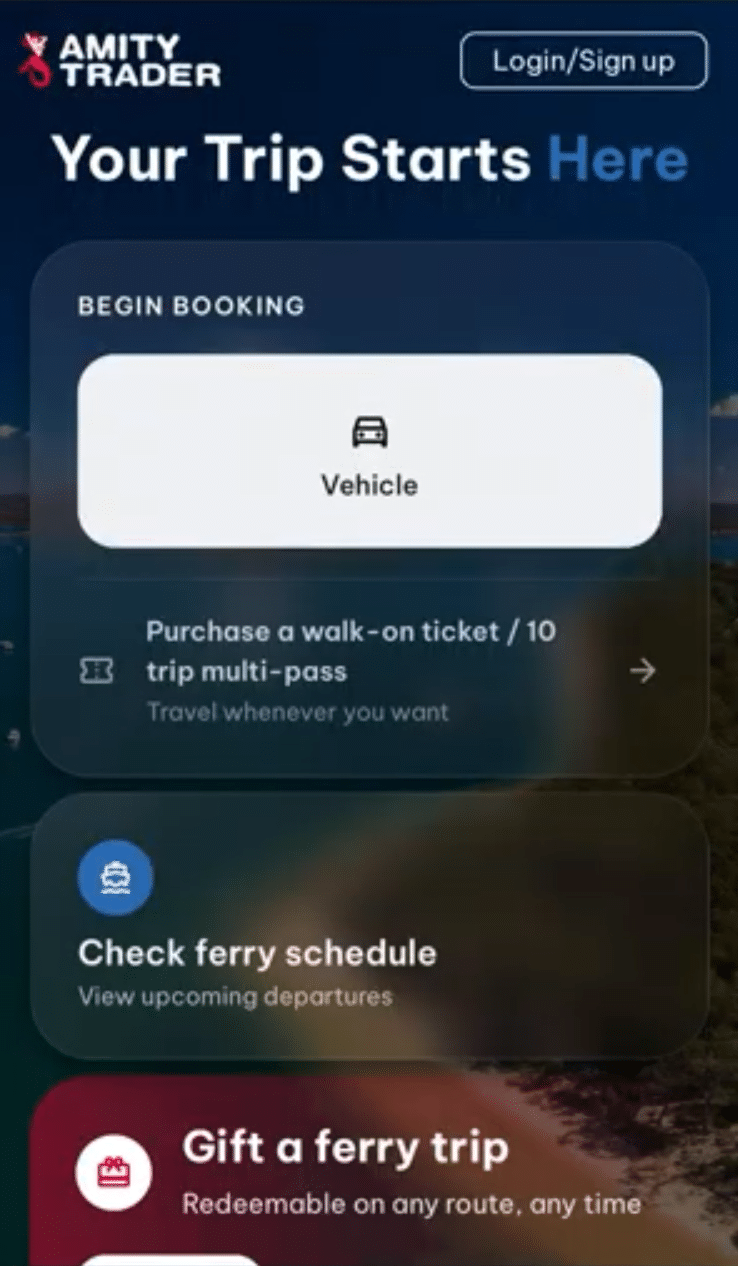
From the bookings home screen, click Vehicle. Choose one way or return depending on your trip.
02
Set direction and dates
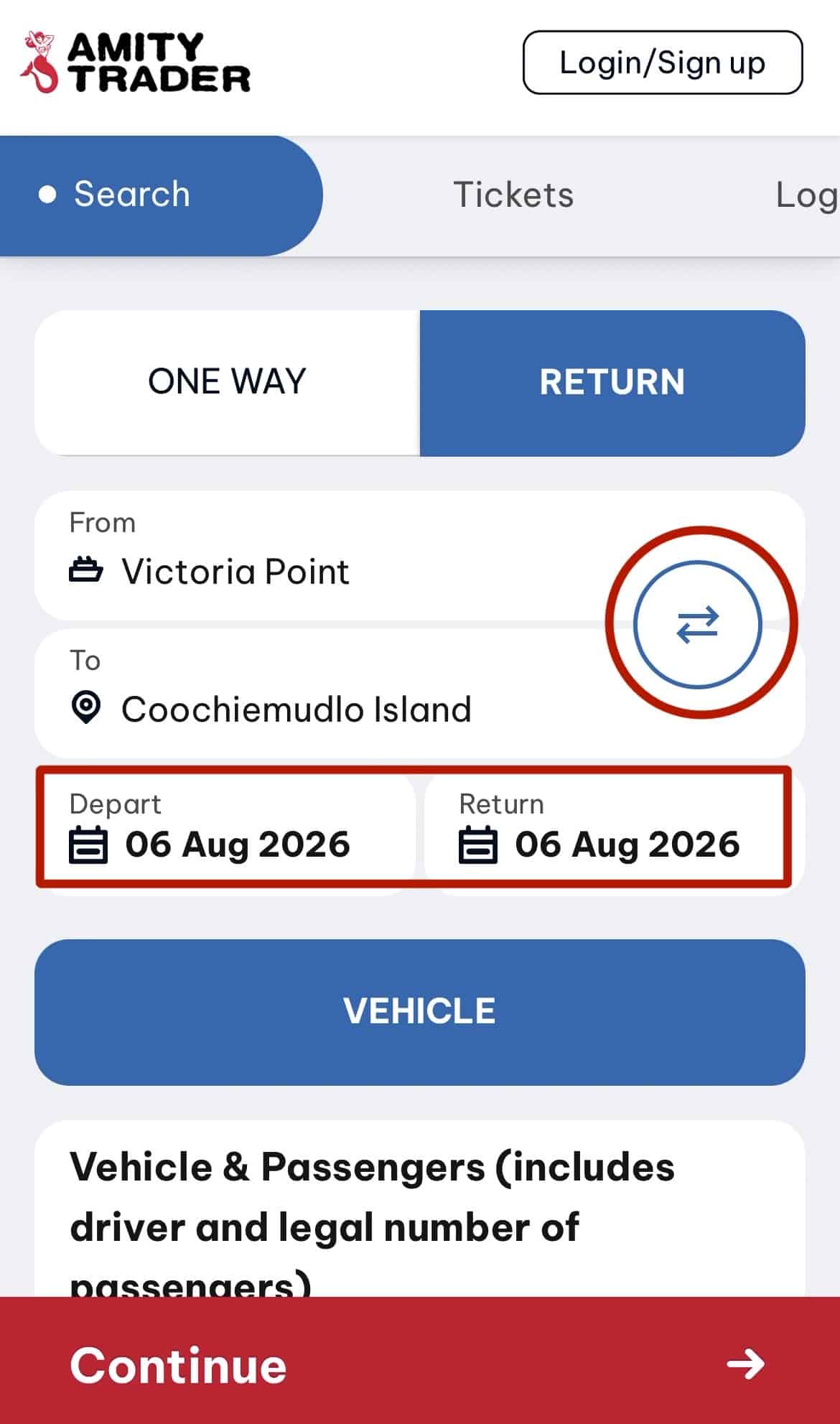
Use the arrows to set which way you're travelling, then choose your departure and return dates.
03
Add your passengers
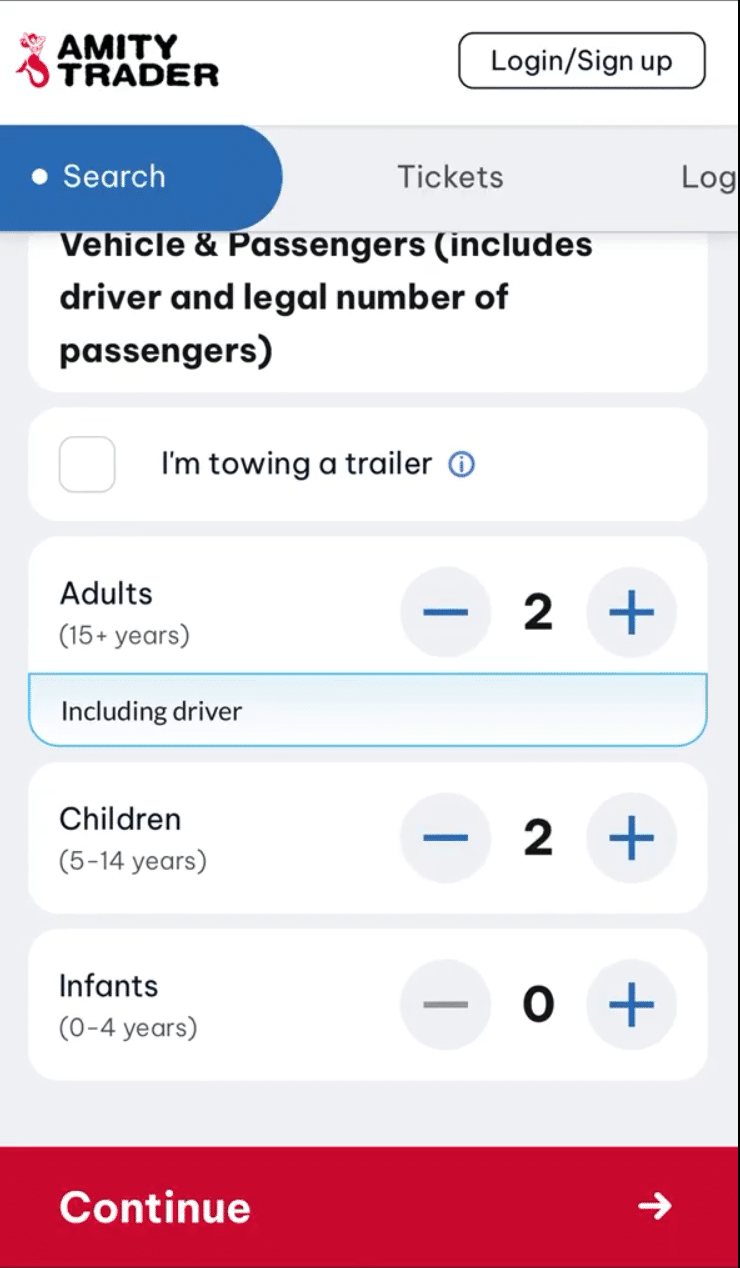
Enter the number of people travelling in the vehicle, as accurately as you can. Click Continue.
04
Choose your times
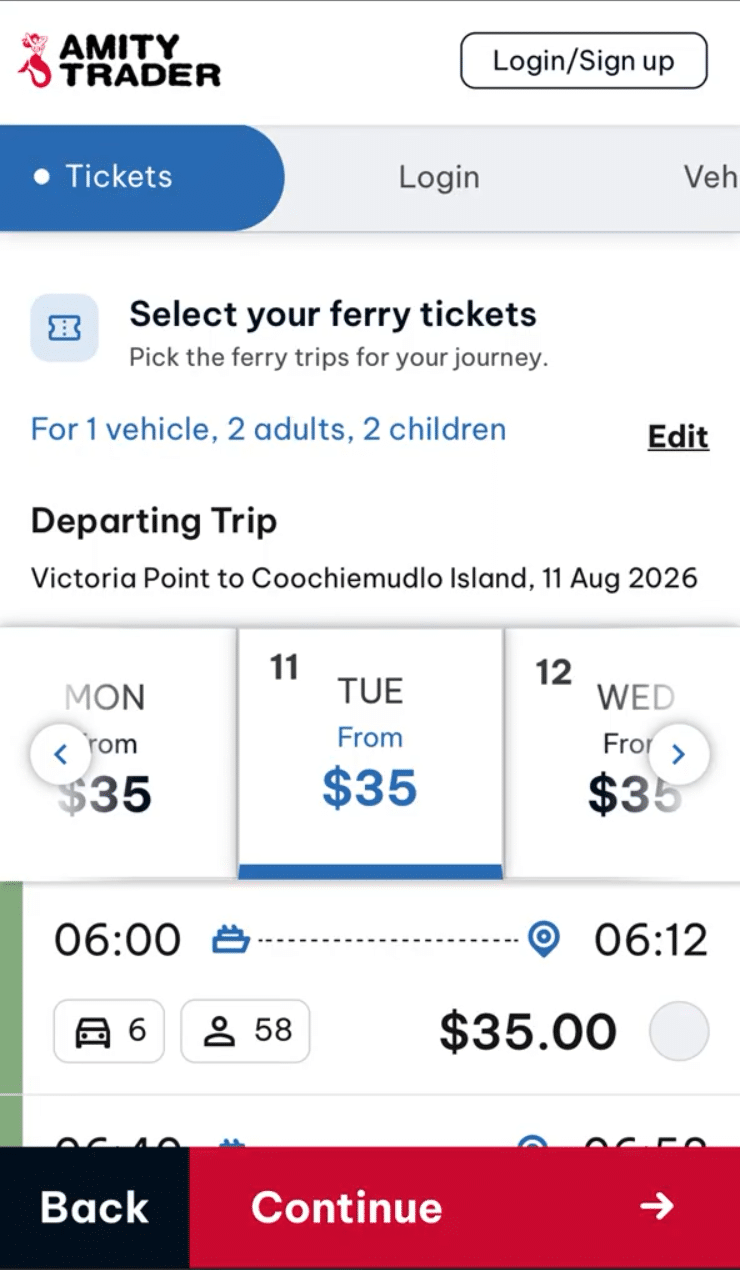
Confirm the departing date and select a time. The returning trip follows automatically — pick that time too. Check the summary, and use 'Change trip time' if either time is wrong.
05
Log in or create an account
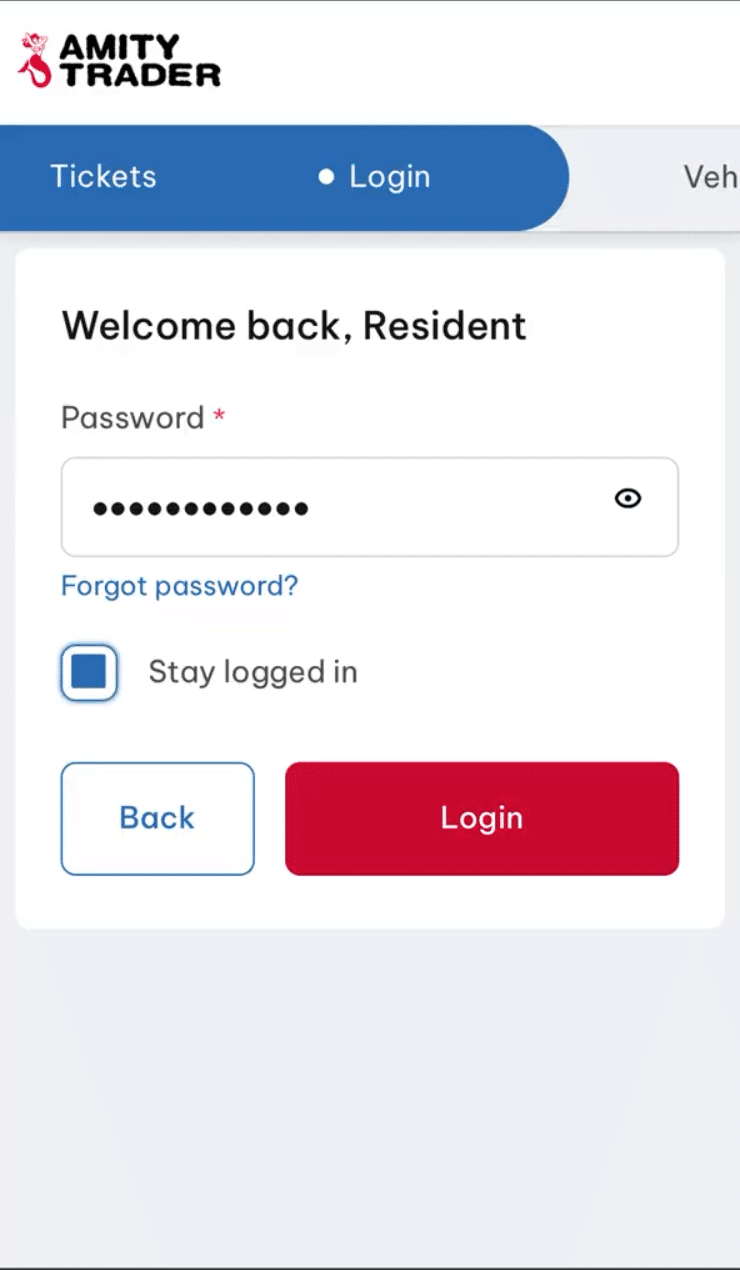
Enter the email address linked to your account and continue. Tick Stay logged in so you don't need to sign in again next time.
06
Confirm your trip details
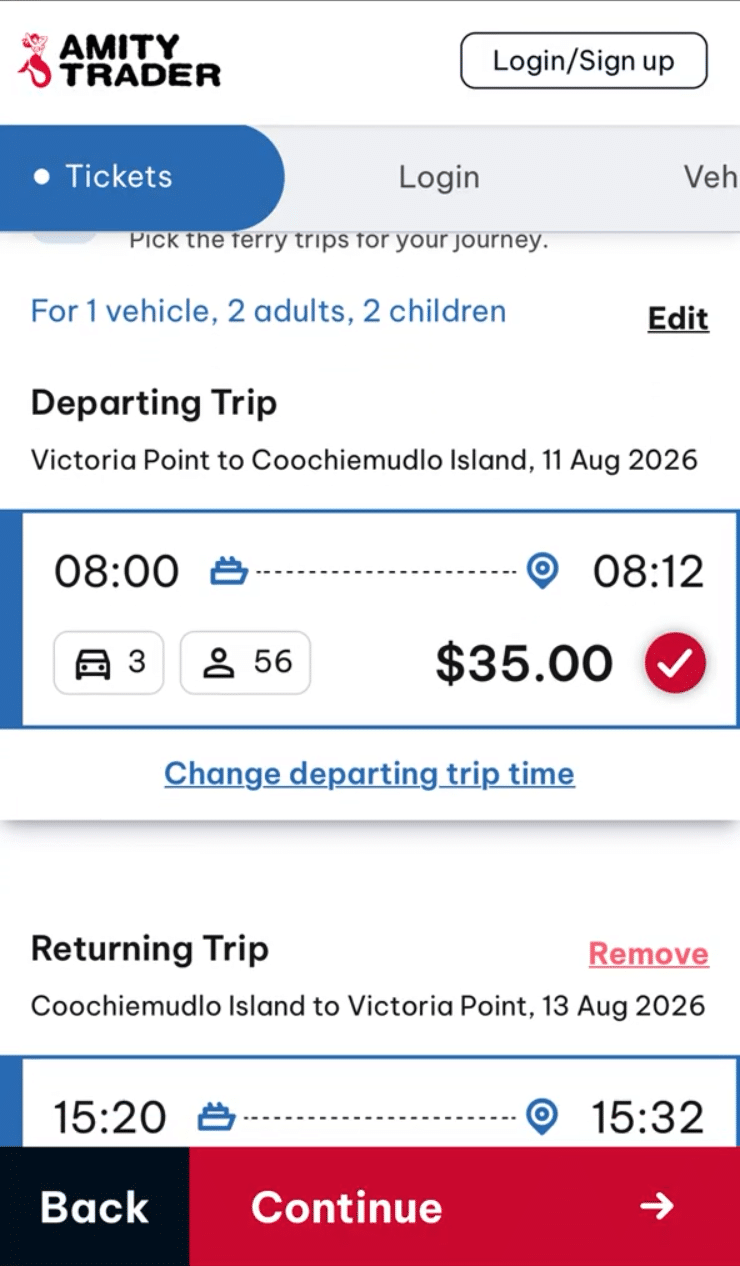
Check passengers, dates, times and direction
07
Select vehicle
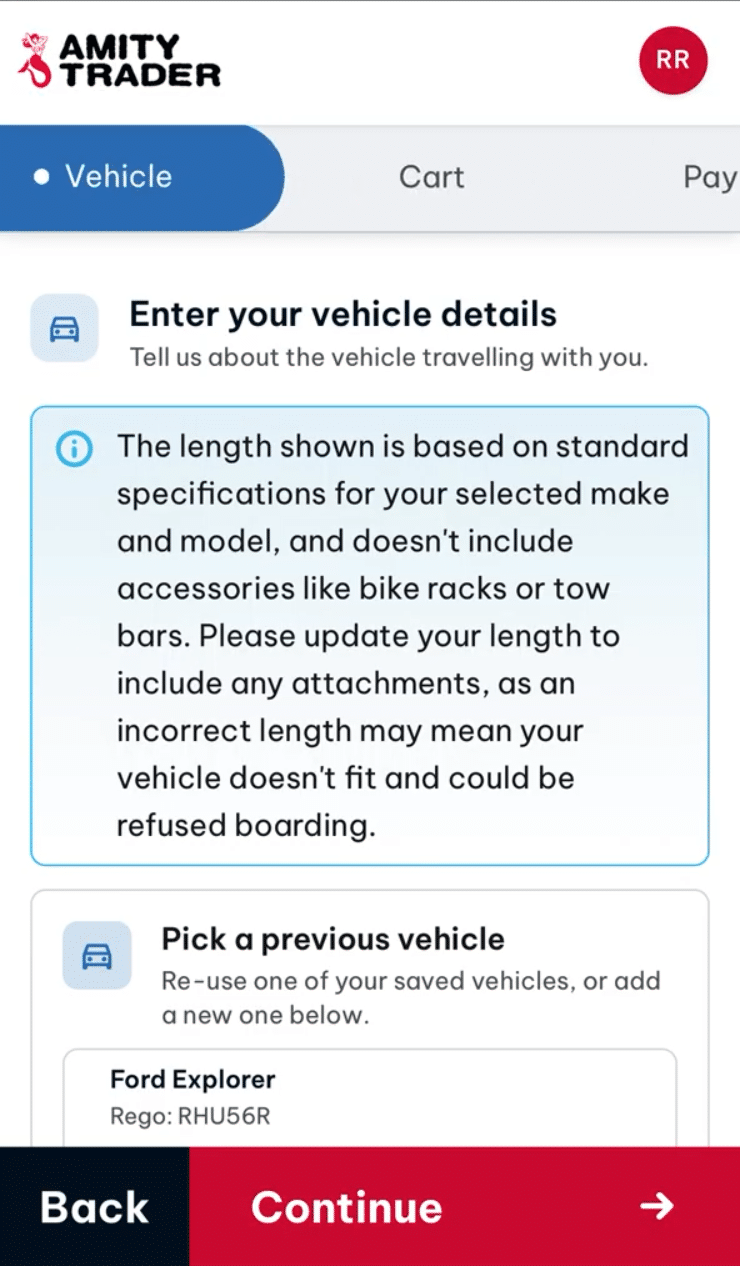
Select a saved vehicle or add a new one by entering the make, model and rego.
Vehicle length must fall within the range shown
08
Review and accept terms
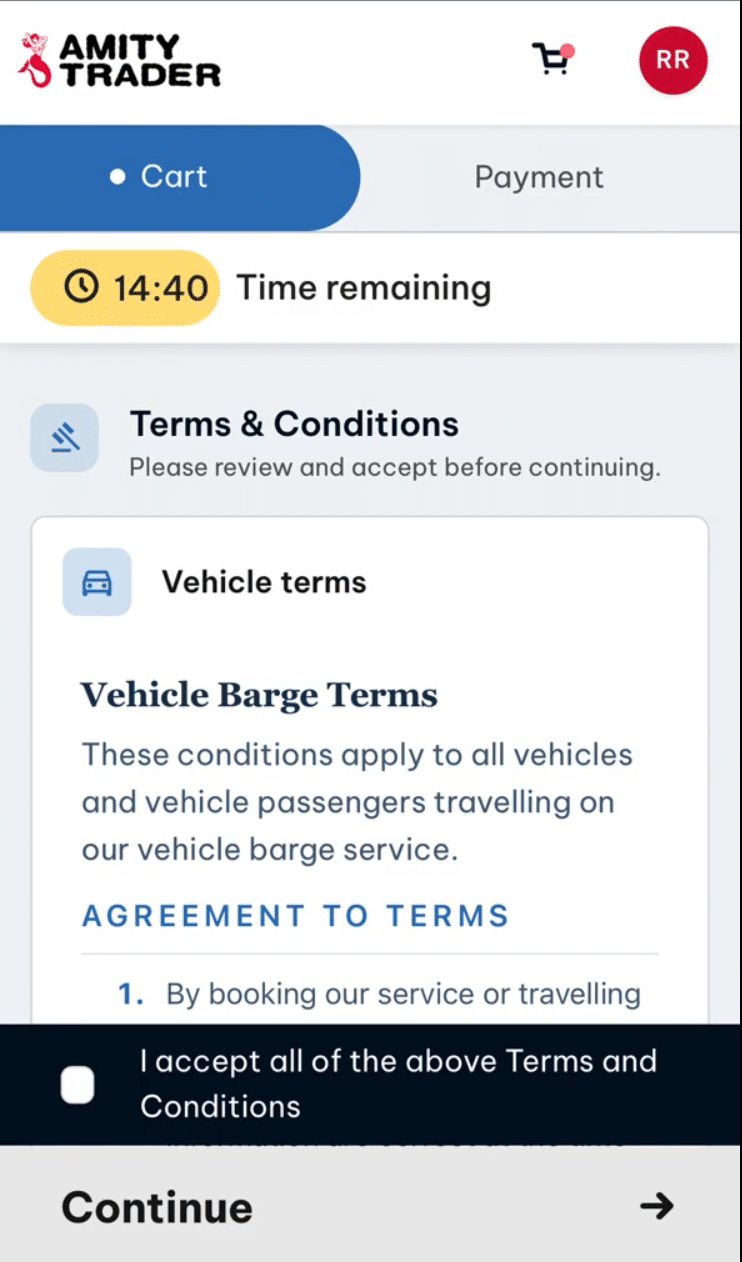
Accept the terms and conditions to continue.
09
Pay
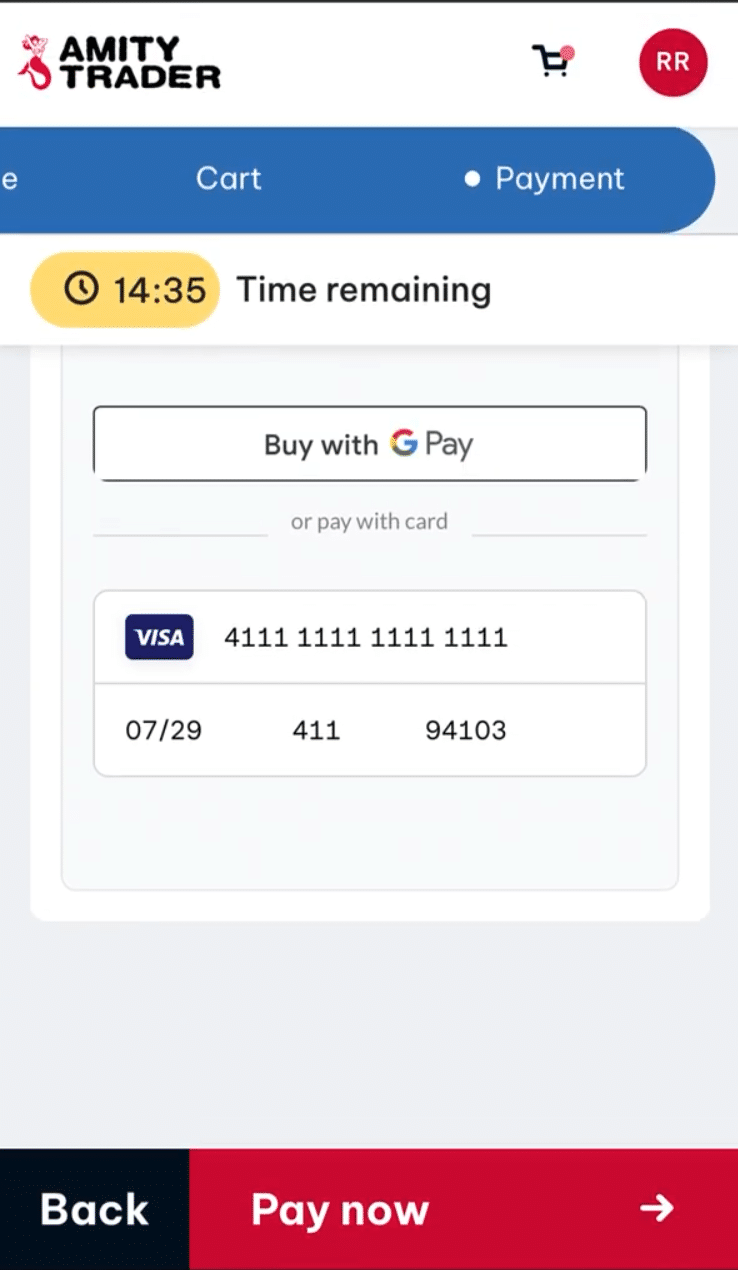
Select a saved card or enter your card details, including the billing postcode. Click Pay now.
10
Get your tickets
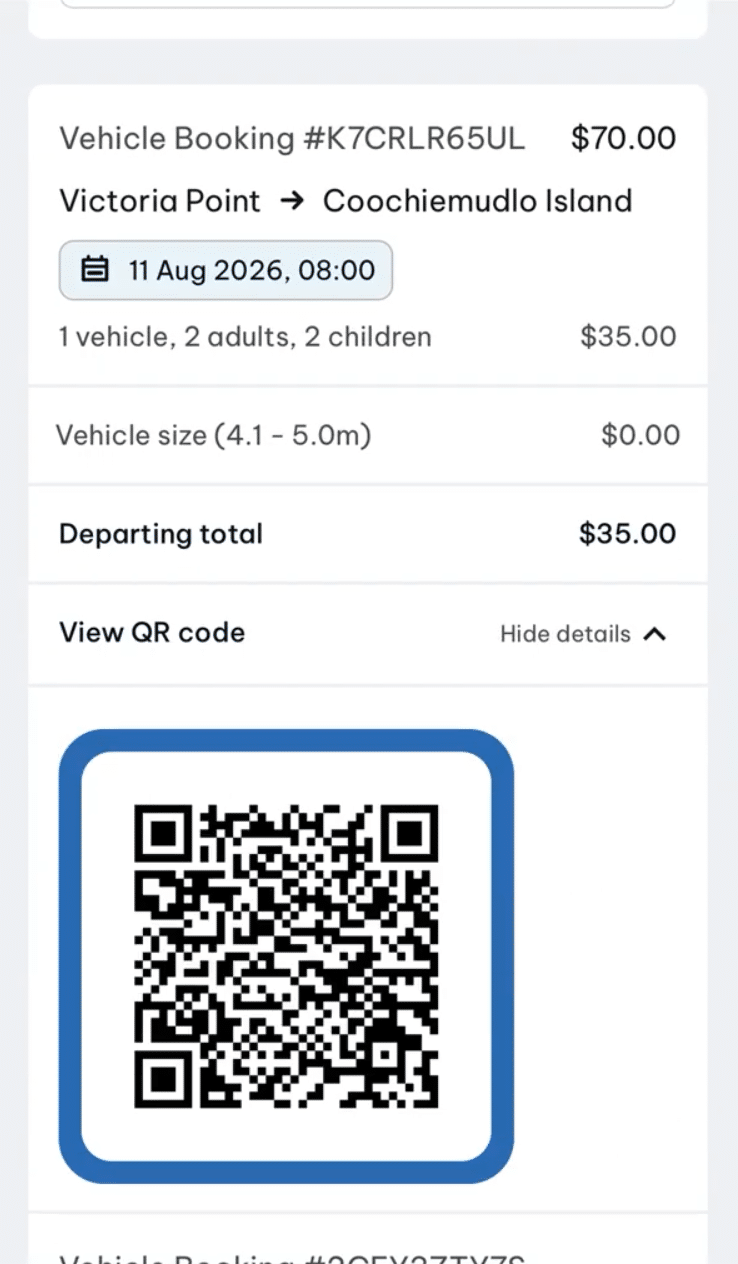
You'll see a booking summary with the date, time and cost. A confirmation email follows with your QR codes — a separate one for departure and return.